Home
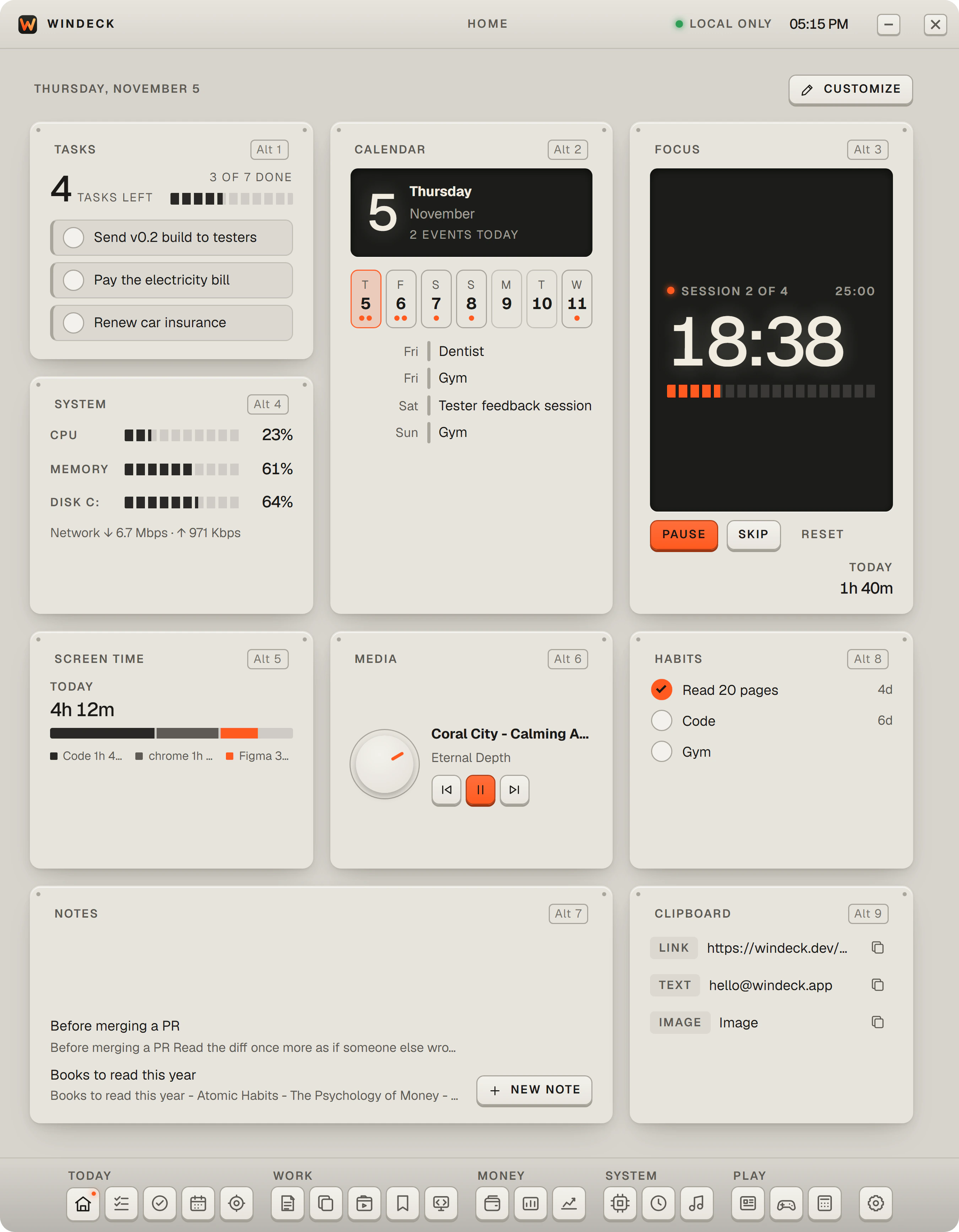
Your day at a glance: tasks, calendar, focus, and your PC, arranged the way you like.
Features
19 tools in one window, grouped the way they are in the app. Open WinDeck from anywhere with Ctrl + Space.
Your day at a glance: tasks, calendar, focus, and your PC, arranged the way you like.
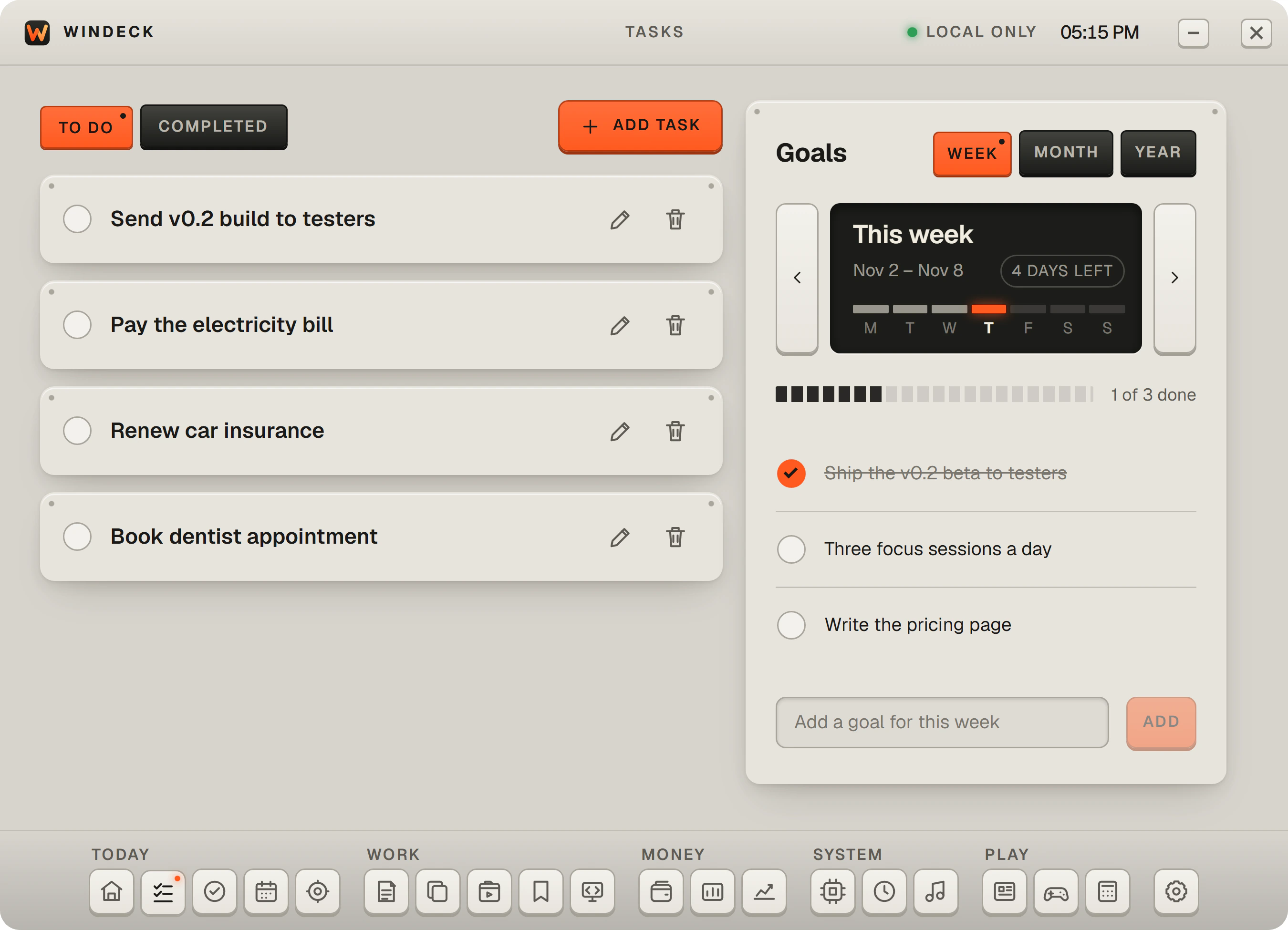
Keep a simple to-do list, tick things off as you go, and set goals for the week, month, and year.
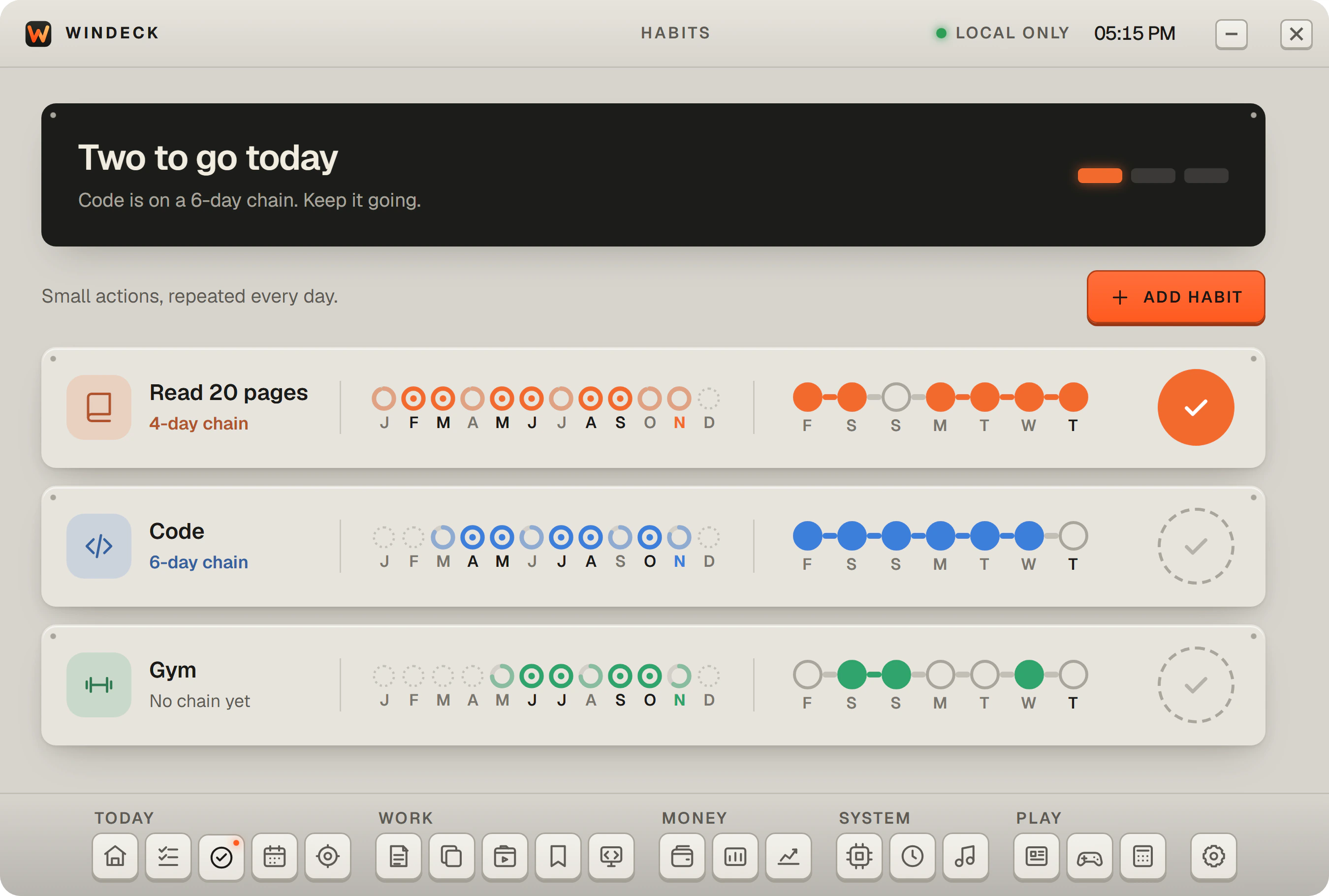
Track daily habits and watch your streaks build.
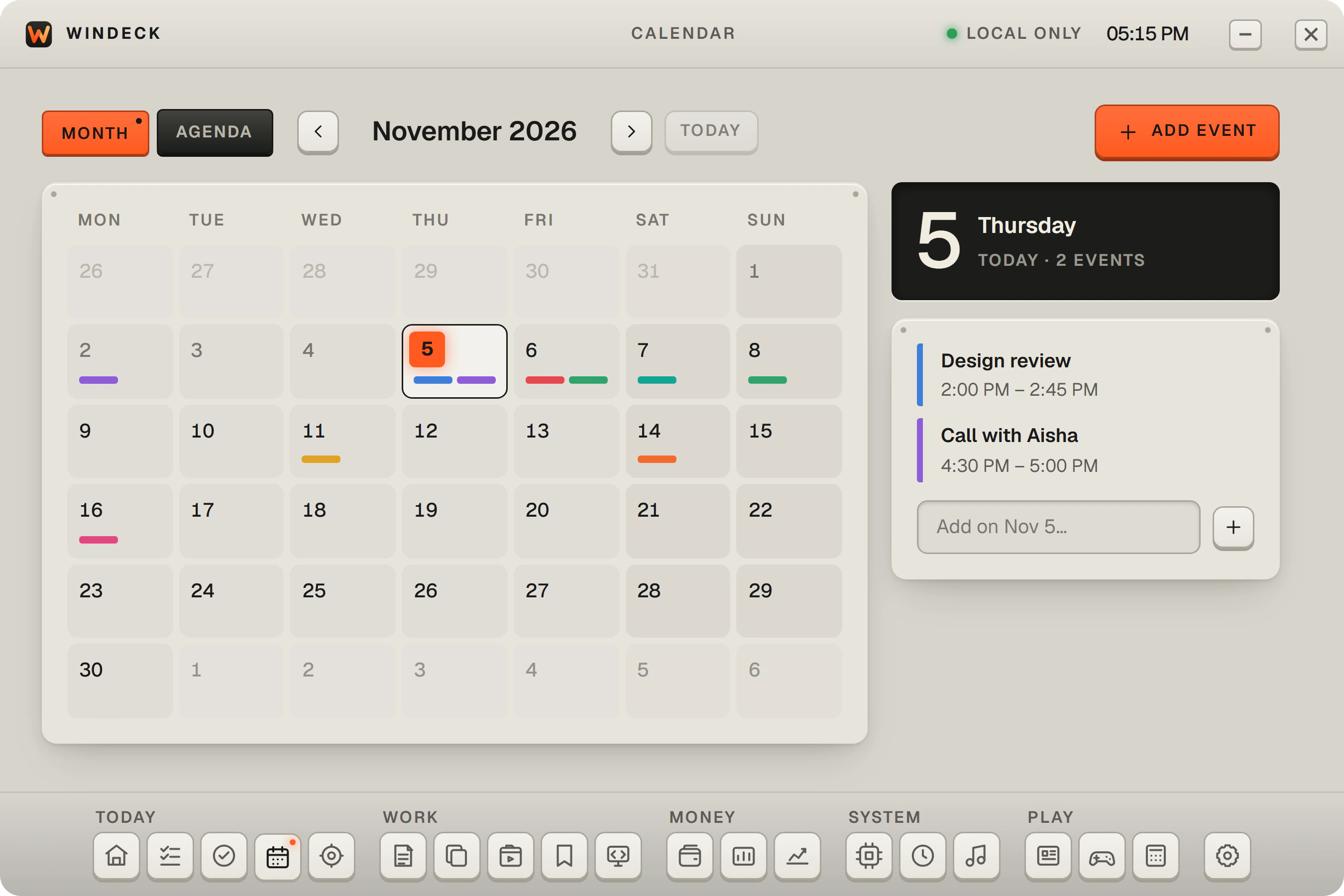
Keep events and reminders on your PC, without connecting an account.
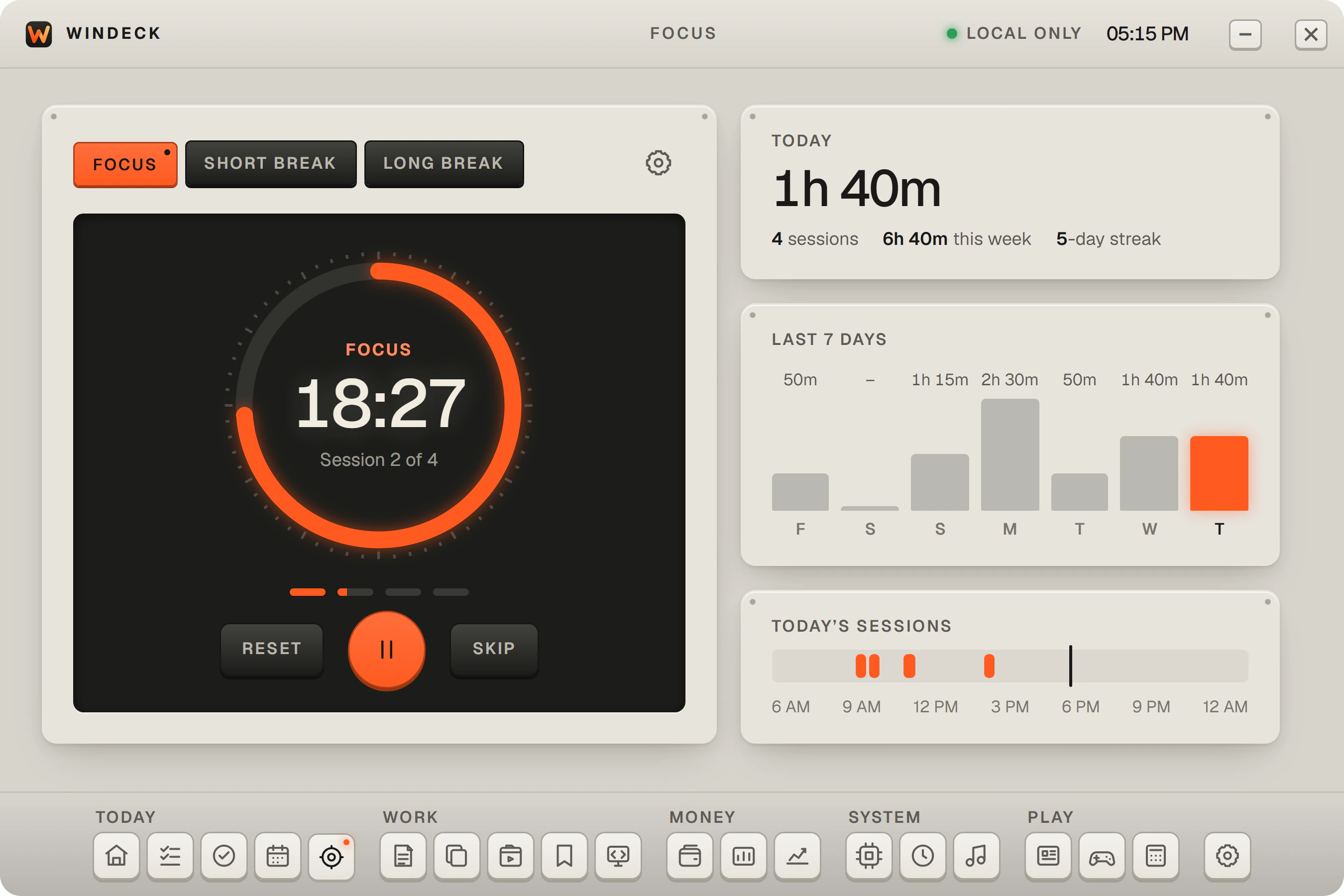
A timer that splits your work into focus sessions with short and long breaks, and chimes when it’s time to switch.
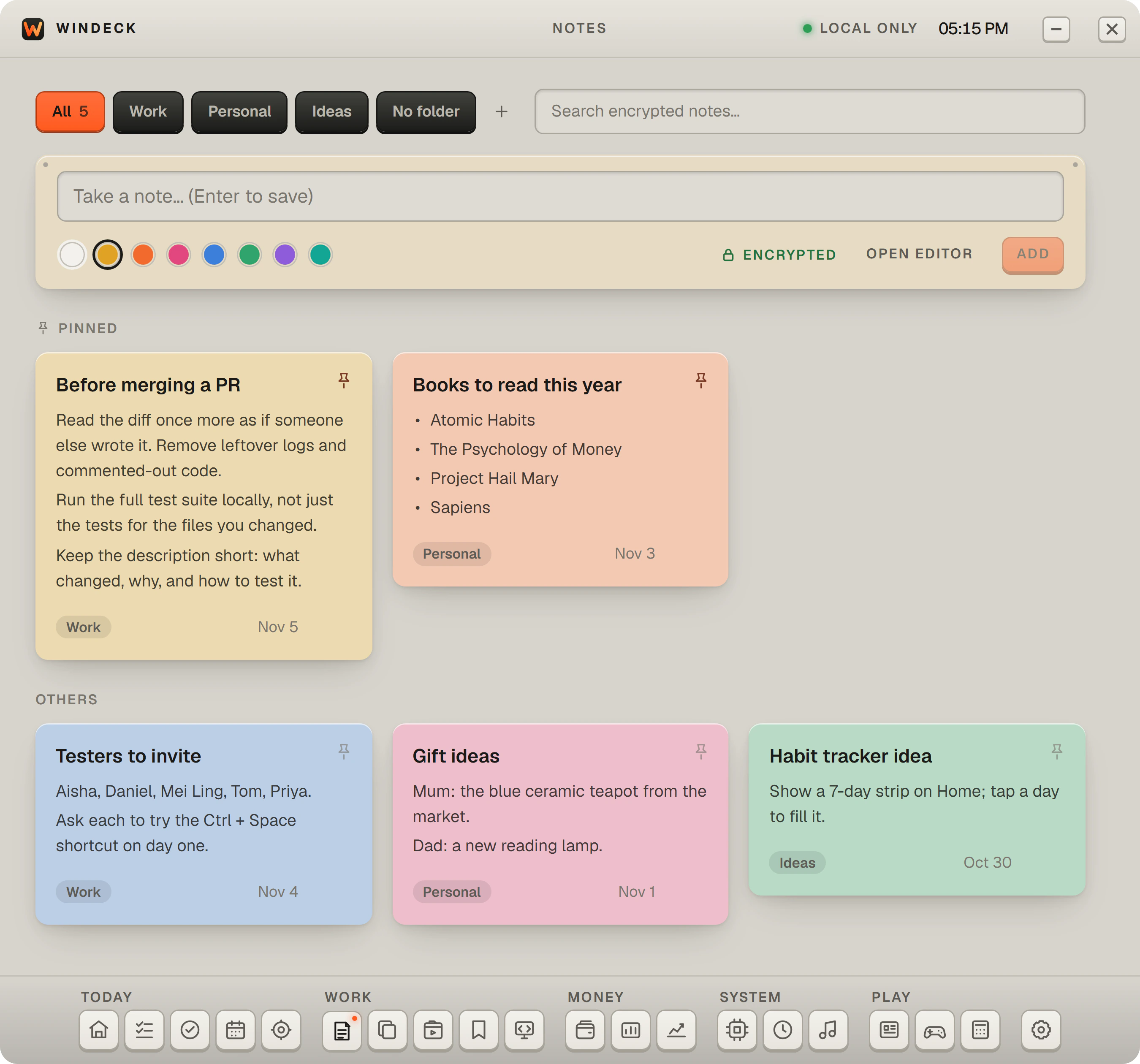
Write notes with folders and colours. They are encrypted on your PC.
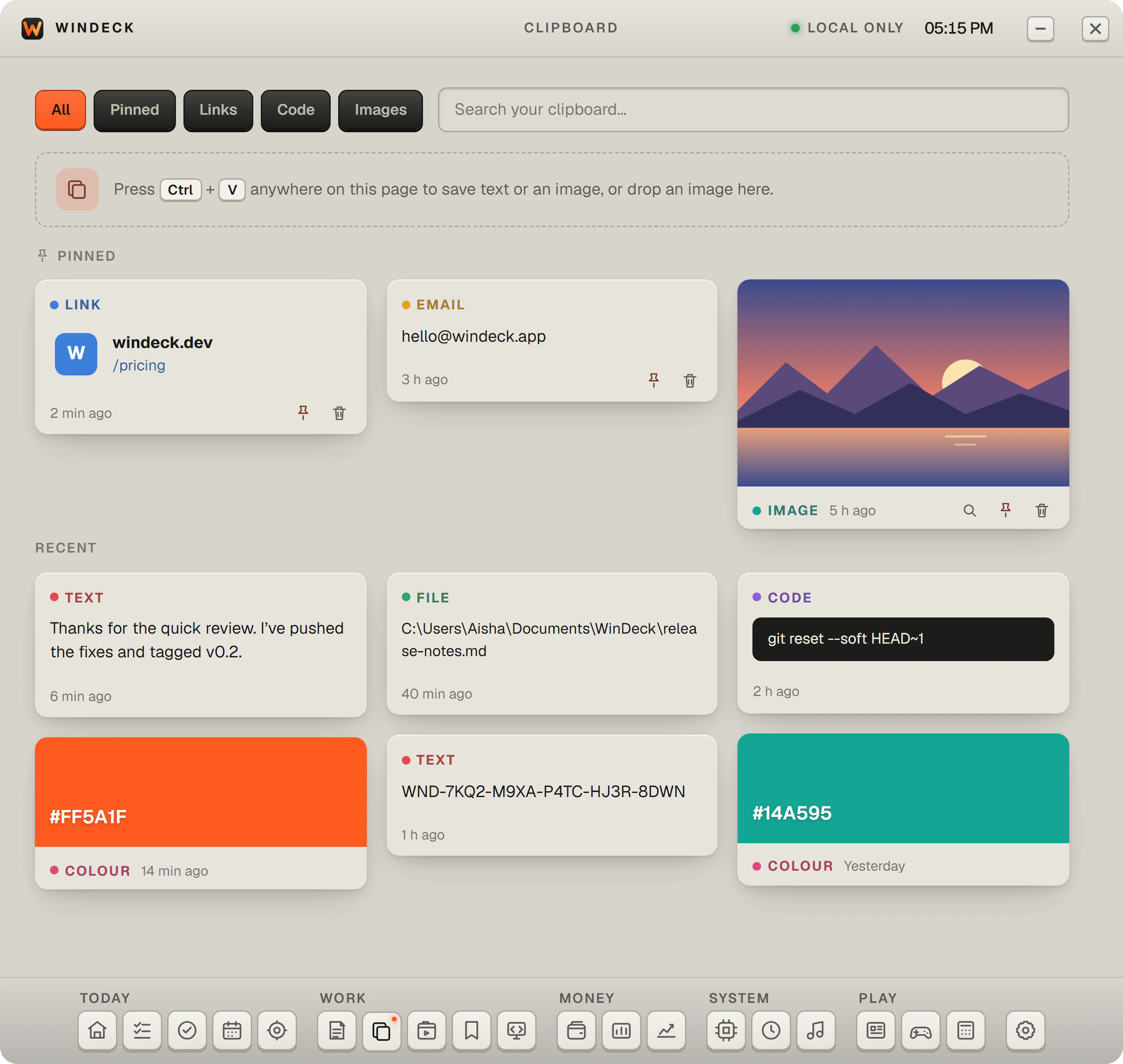
Keep the text and images you paste in, pin the ones you reuse, and copy them back in one click.
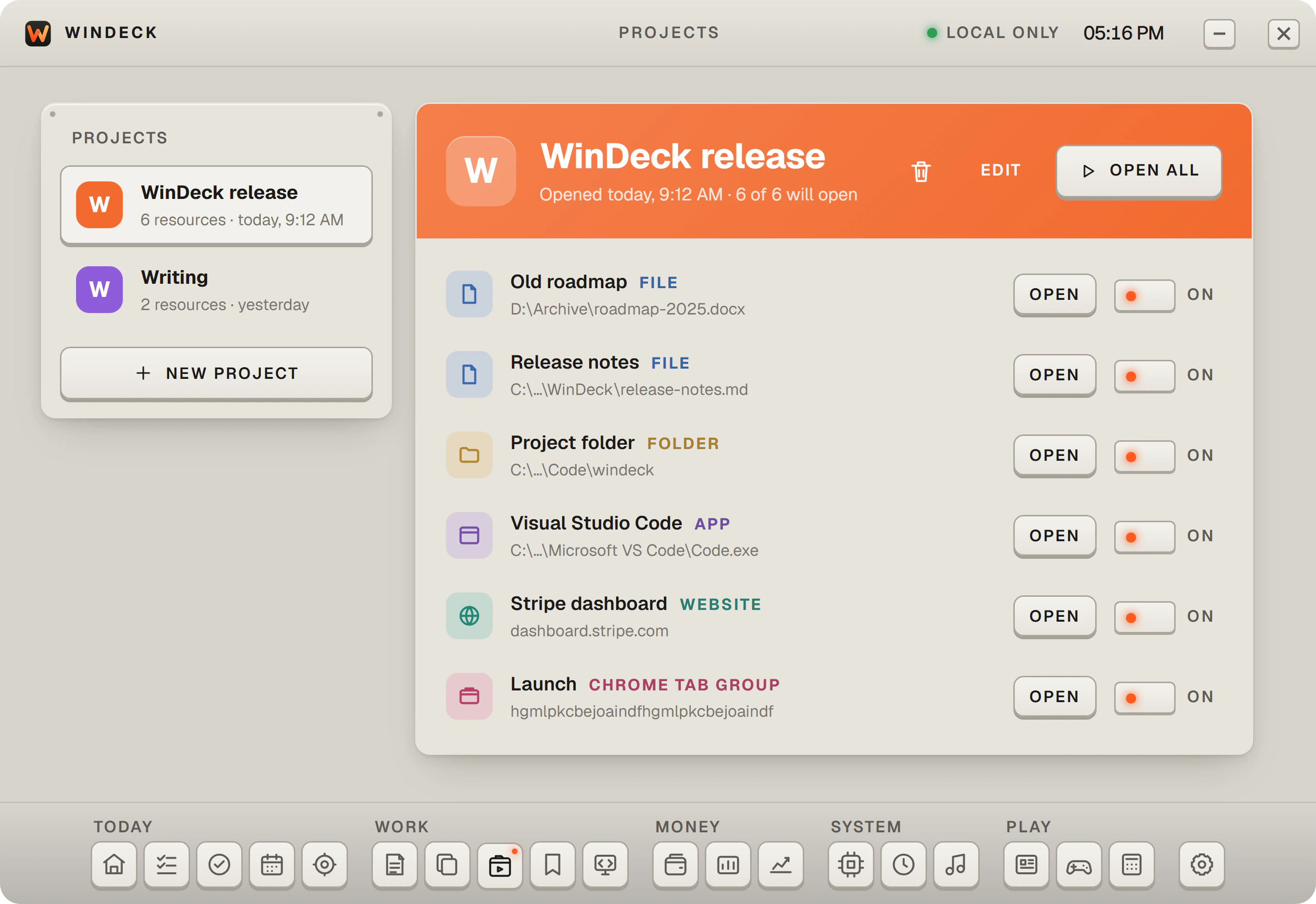
Stop opening the same things one by one. Save the apps, files, folders, websites, and Chrome tab groups a project needs, then press OPEN ALL and they all open together.
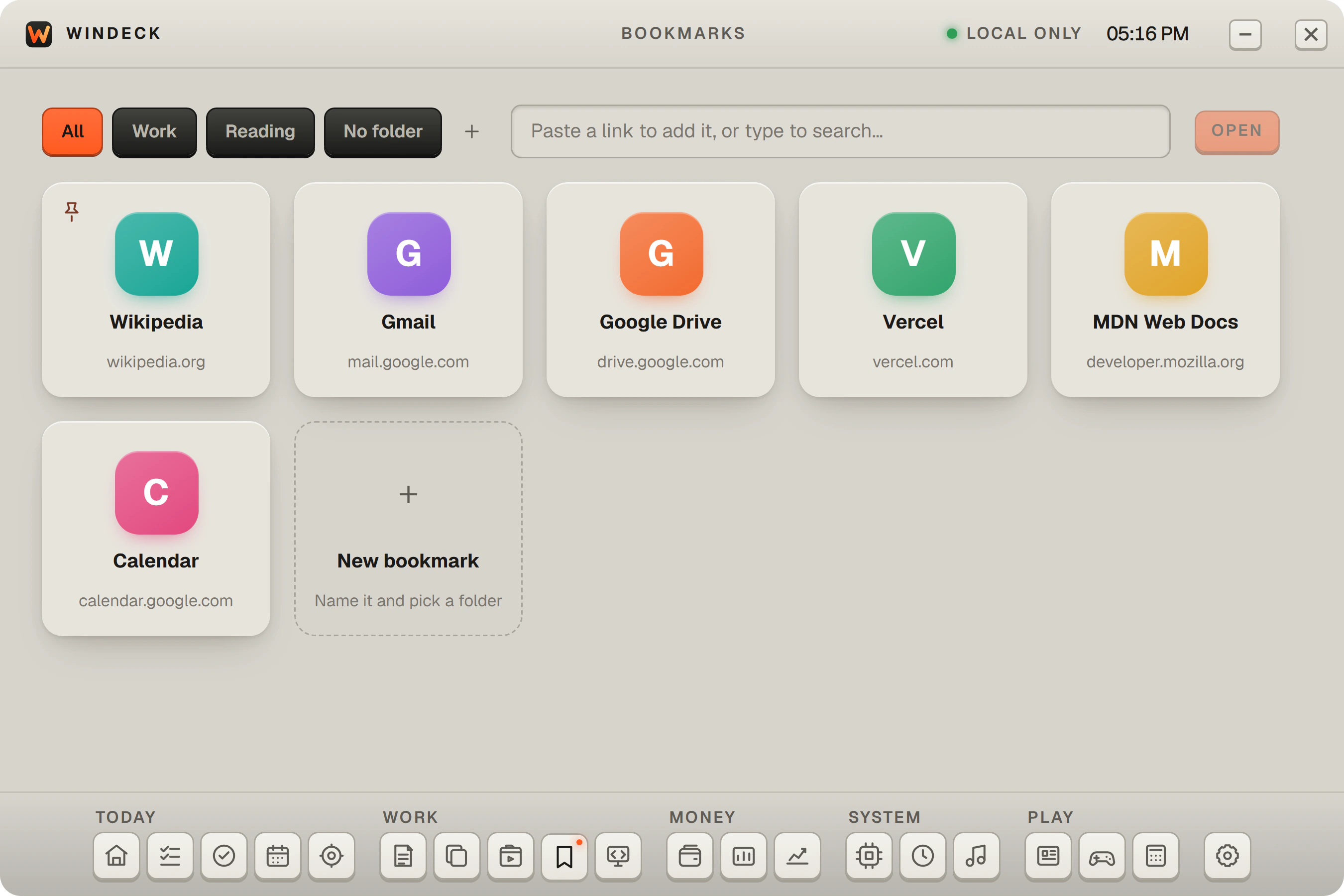
Save the websites you visit often and open any of them in one click.
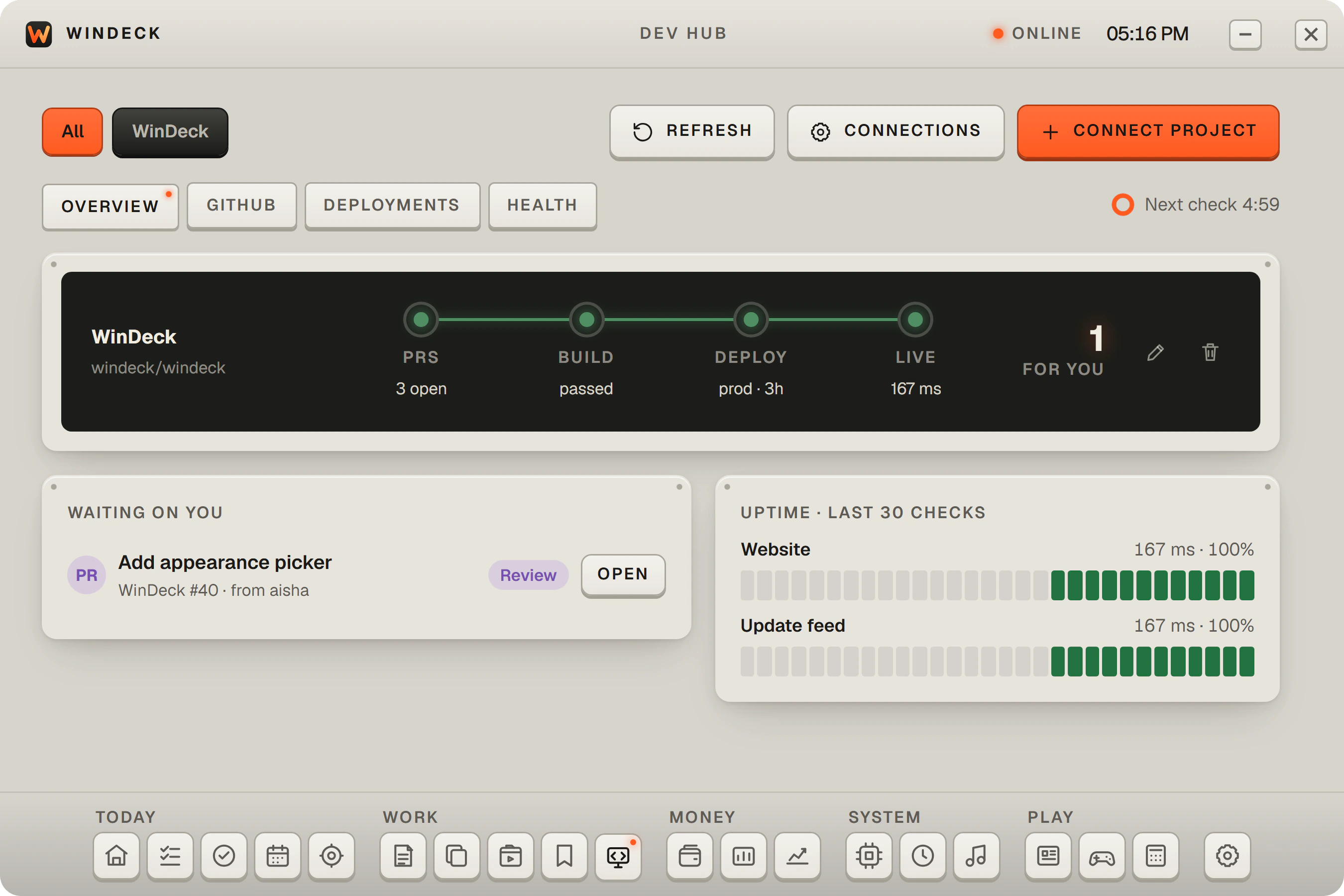
Connect GitHub and Vercel to keep an eye on pull requests, issues, builds, and deployments, and check that your sites are up.
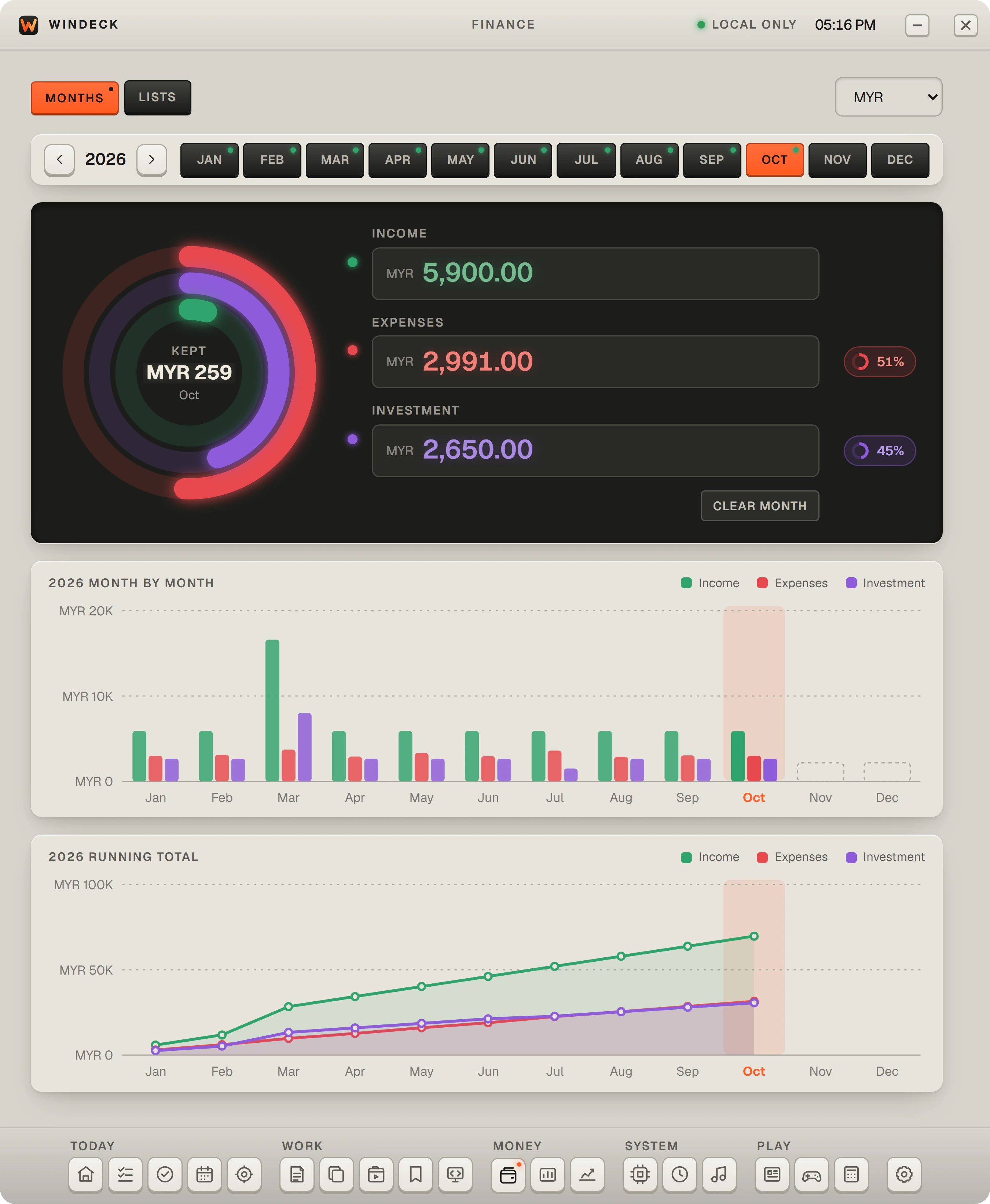
Record each month’s income, spending, and investing, and keep your own budget lists. Encrypted, with no bank connection.
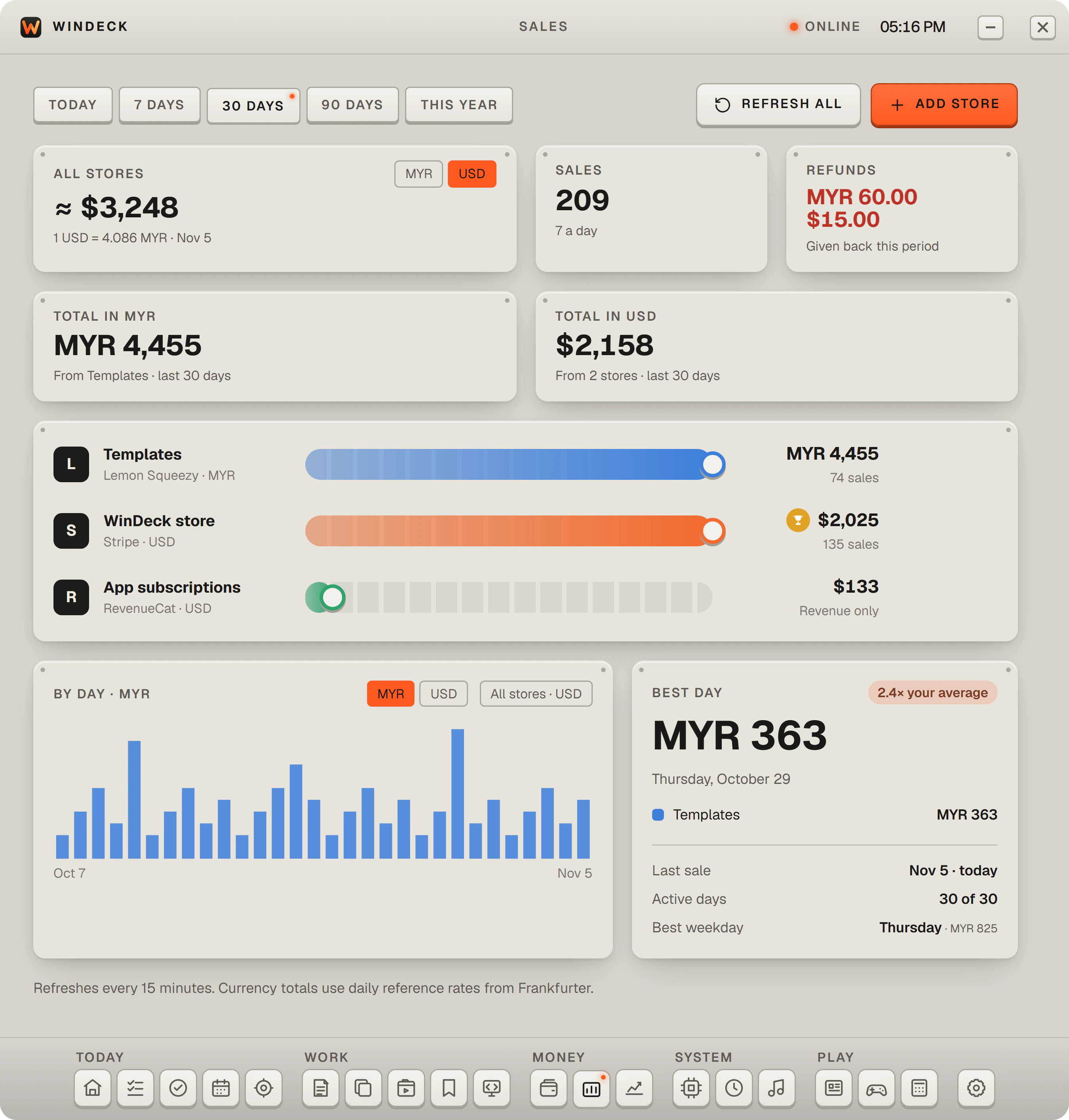
See revenue from Stripe, Dodo Payments, Polar, RevenueCat, Lemon Squeezy, and Paddle together, using your own read-only keys.
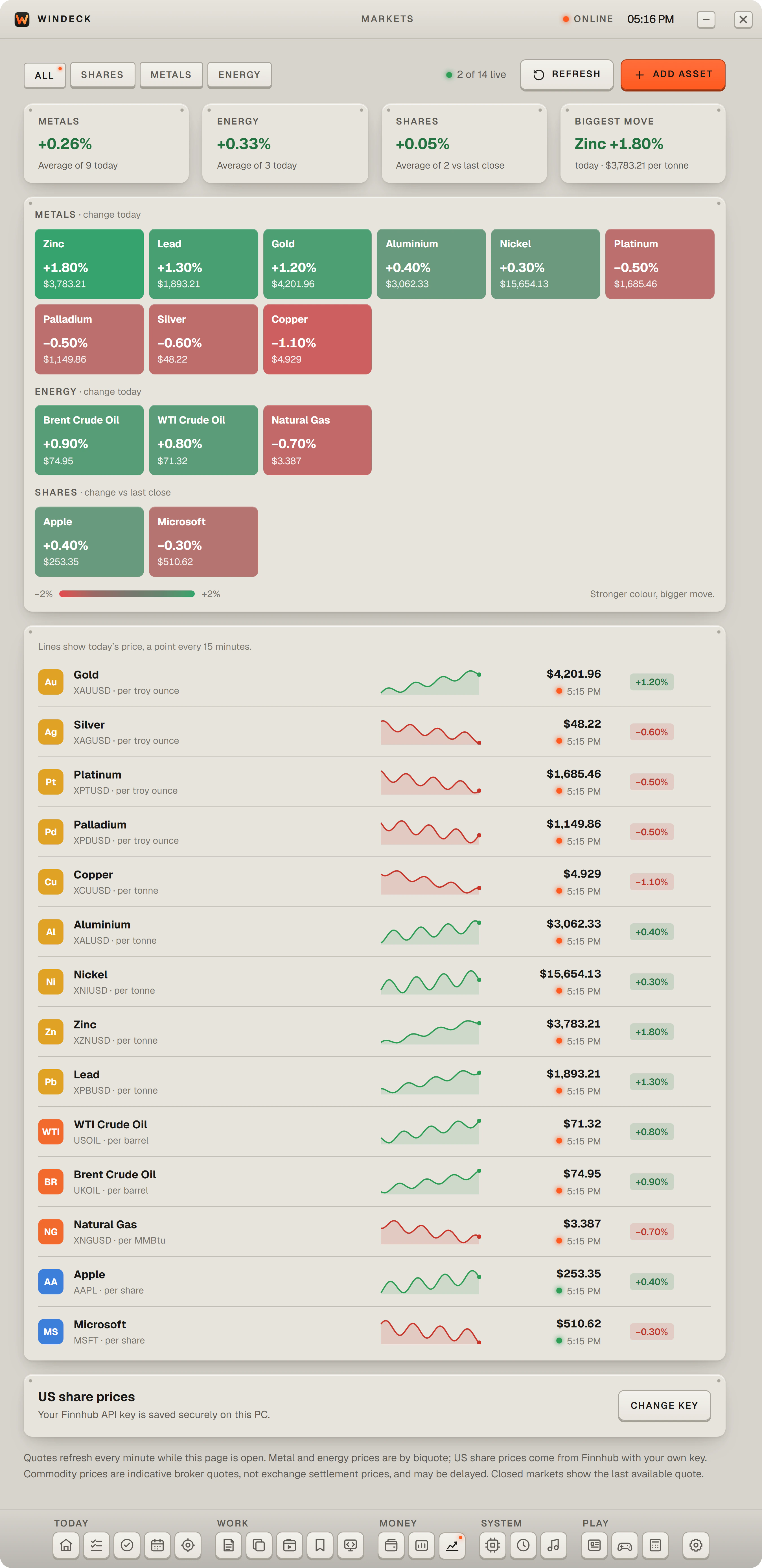
Watch metals, energy, and US shares, with the day’s moves at a glance.
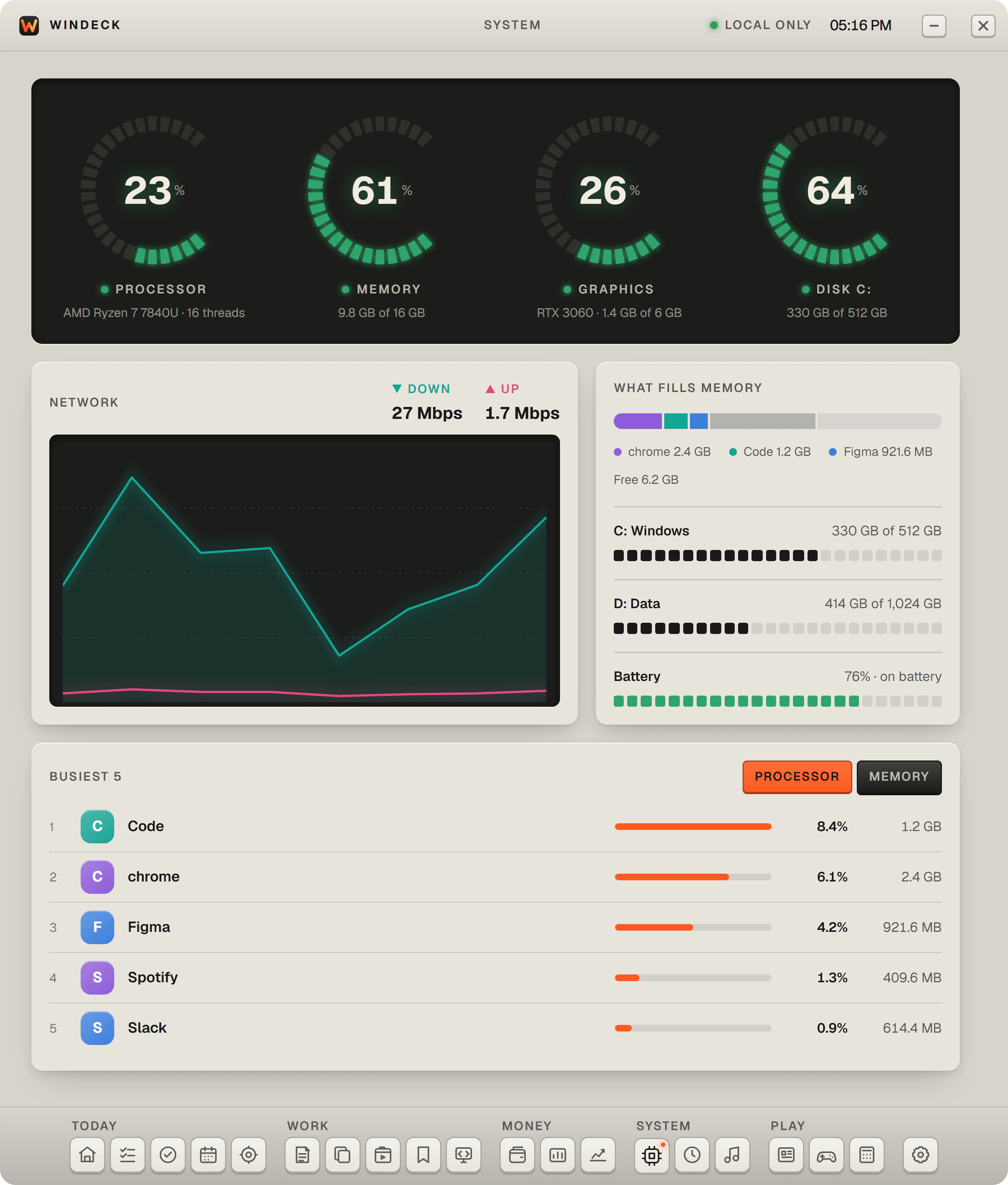
See how your PC is doing right now: processor, memory, graphics, storage, battery, network, and the apps that are running.
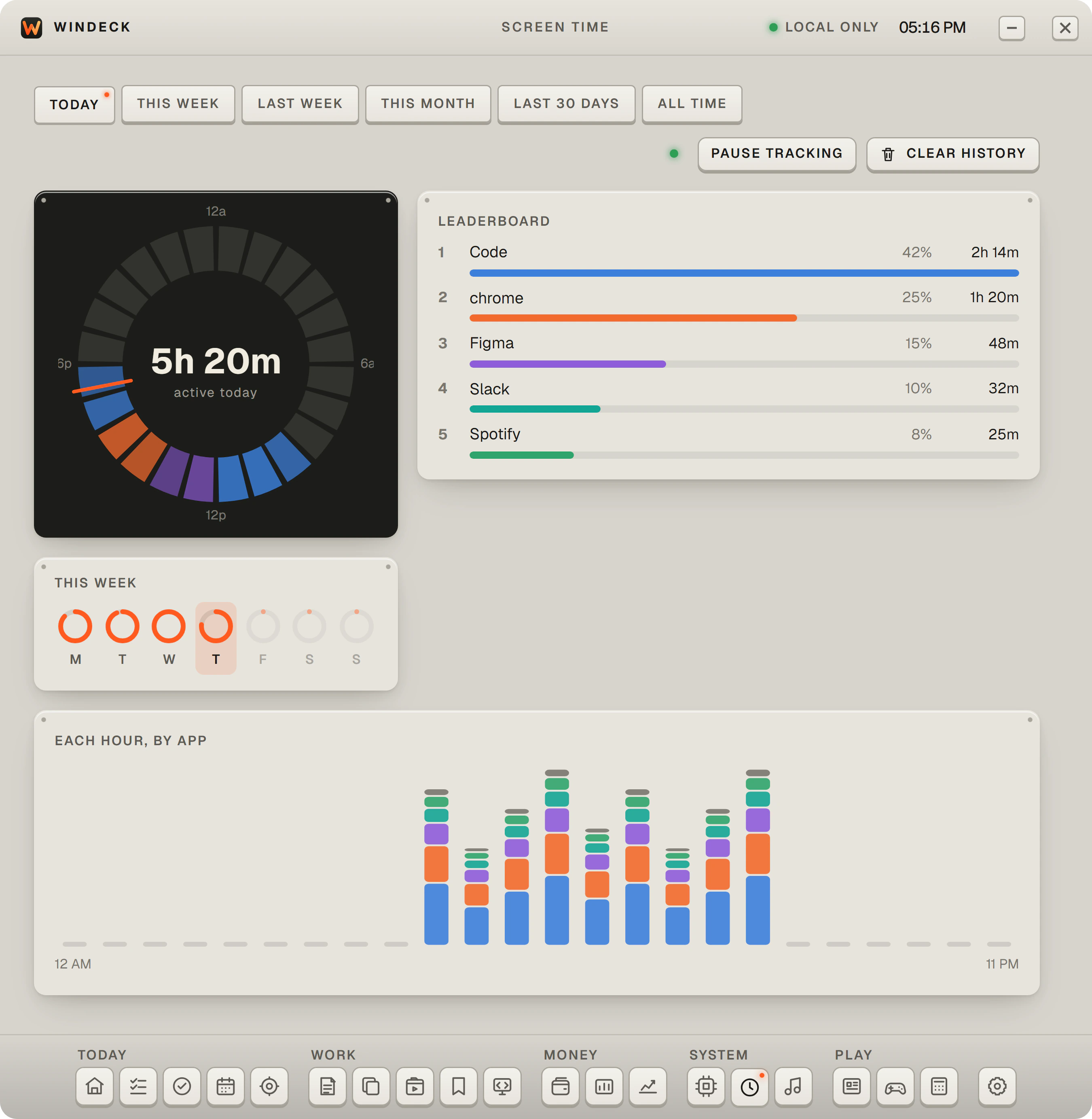
When you turn it on, see which apps you used and for how long.
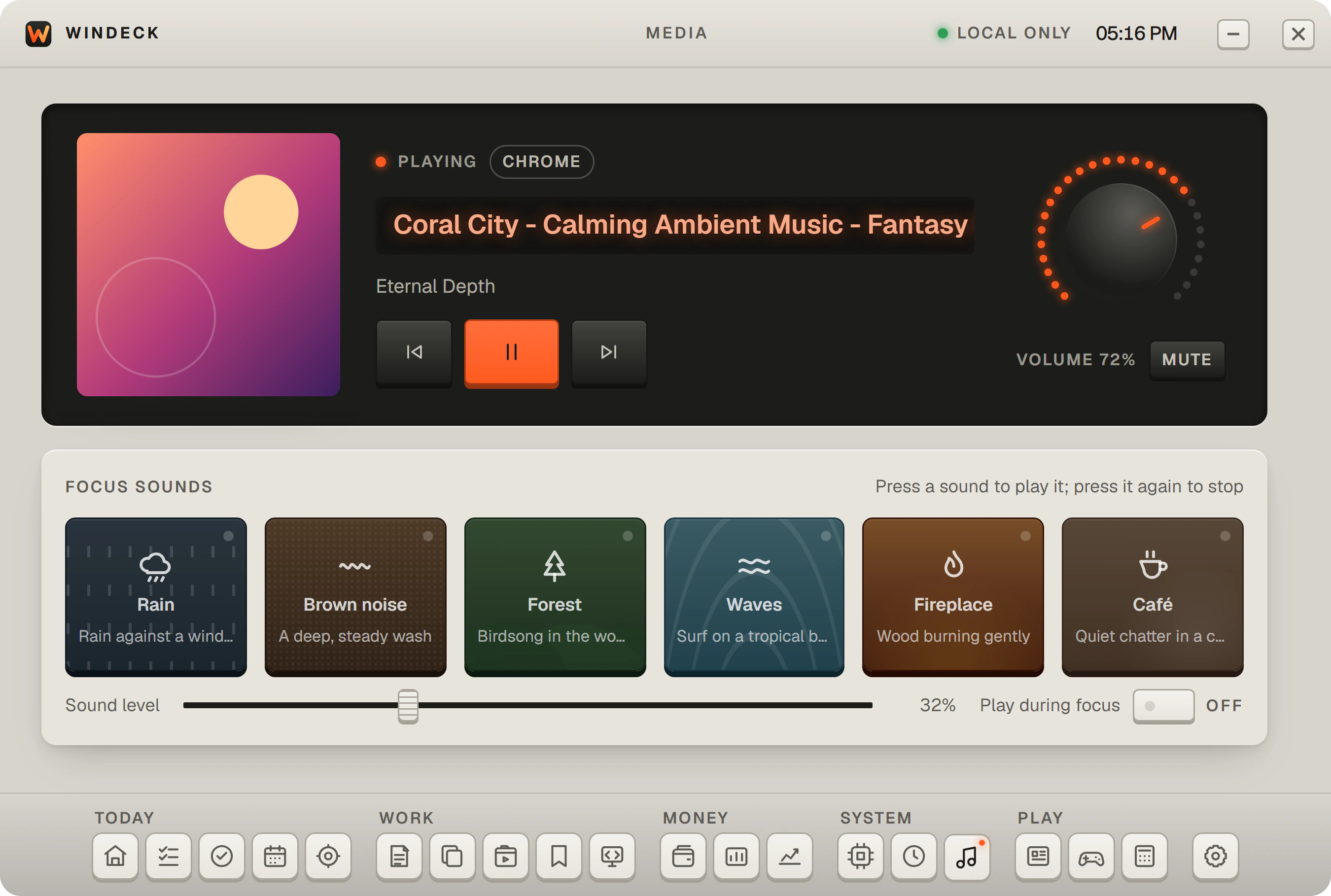
Control whatever is playing, and the volume, from one place.
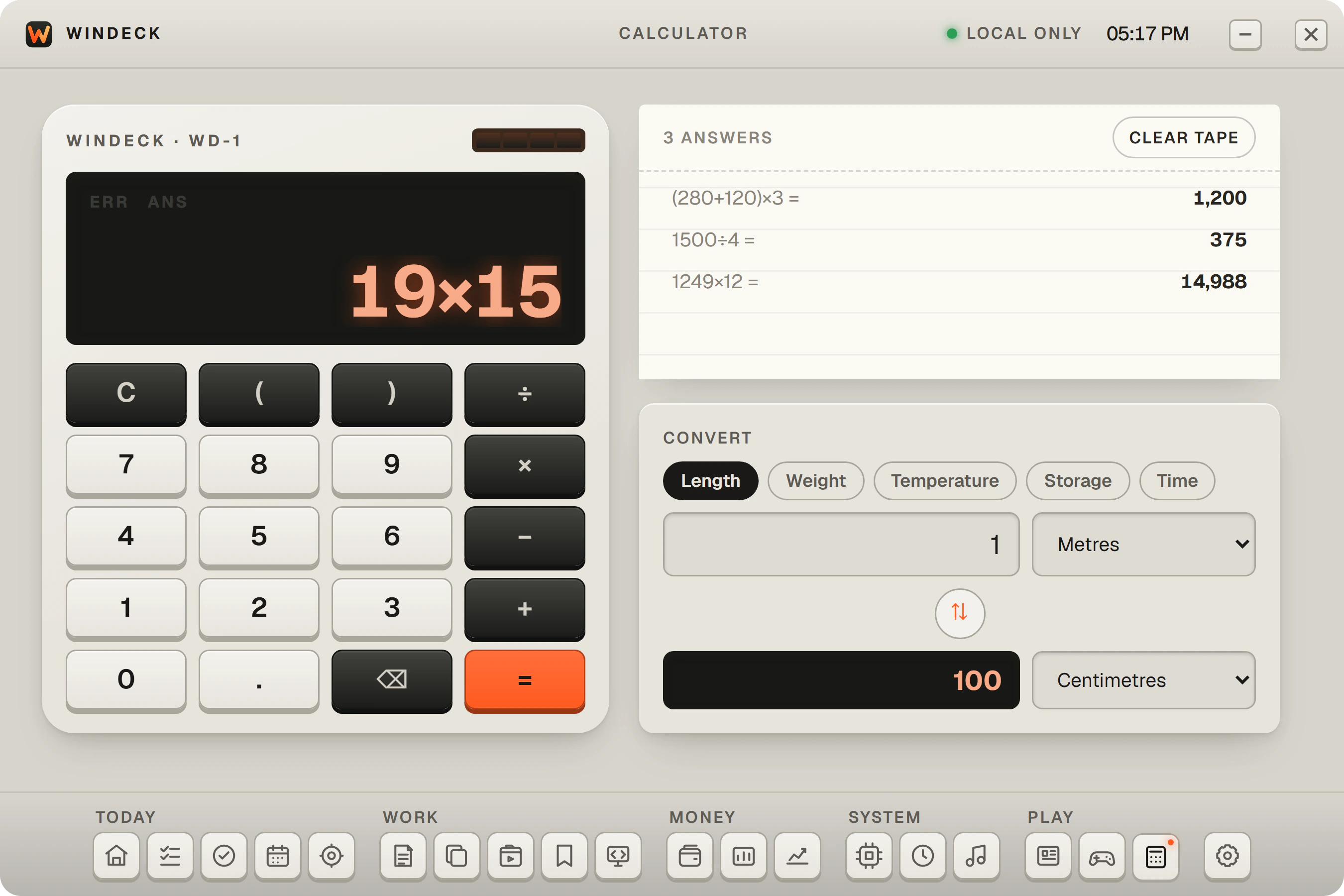
A calculator with a paper tape, and length, weight, and temperature conversion.
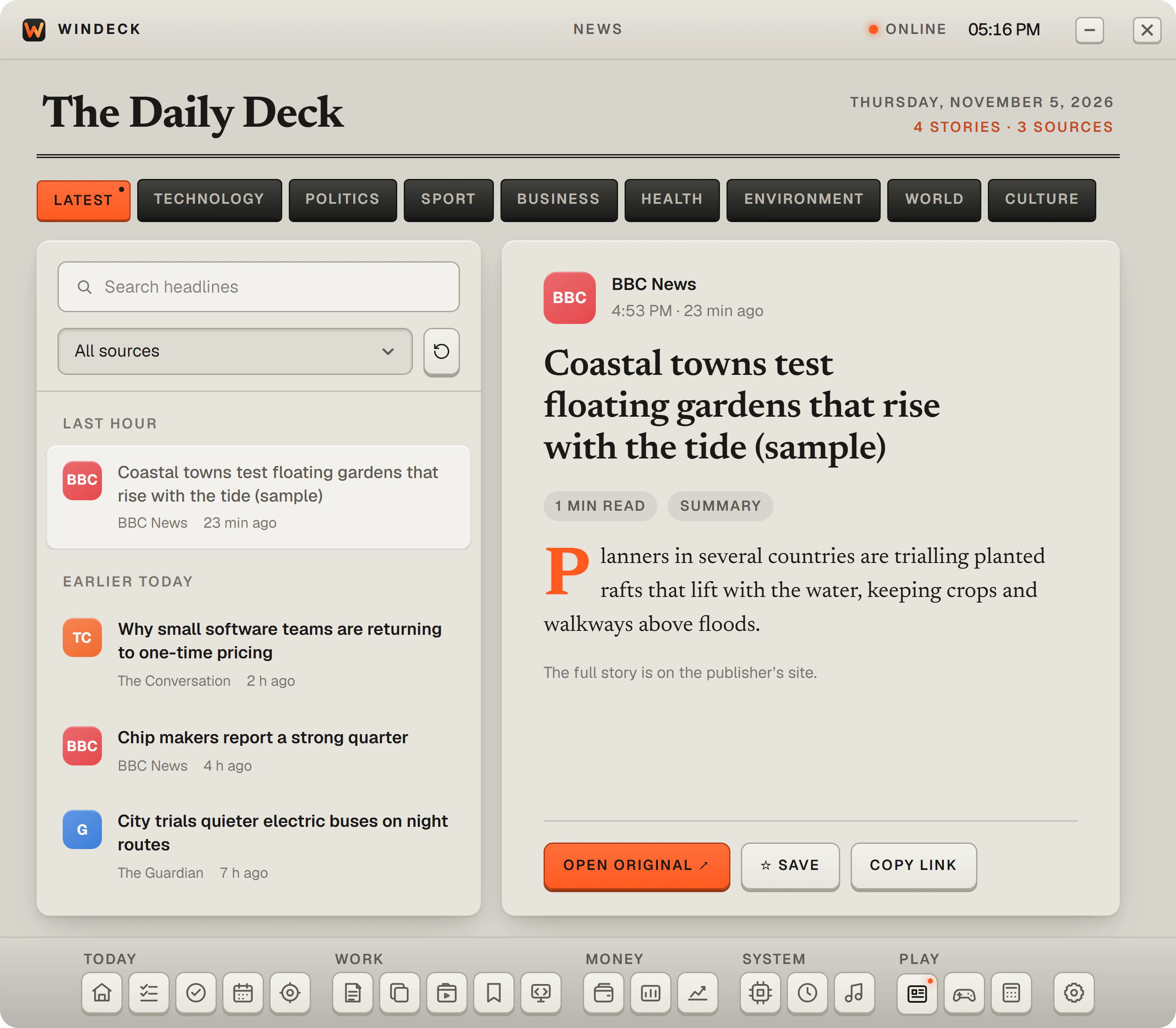
Headlines from 12 publishers by topic, each linking to the full story.
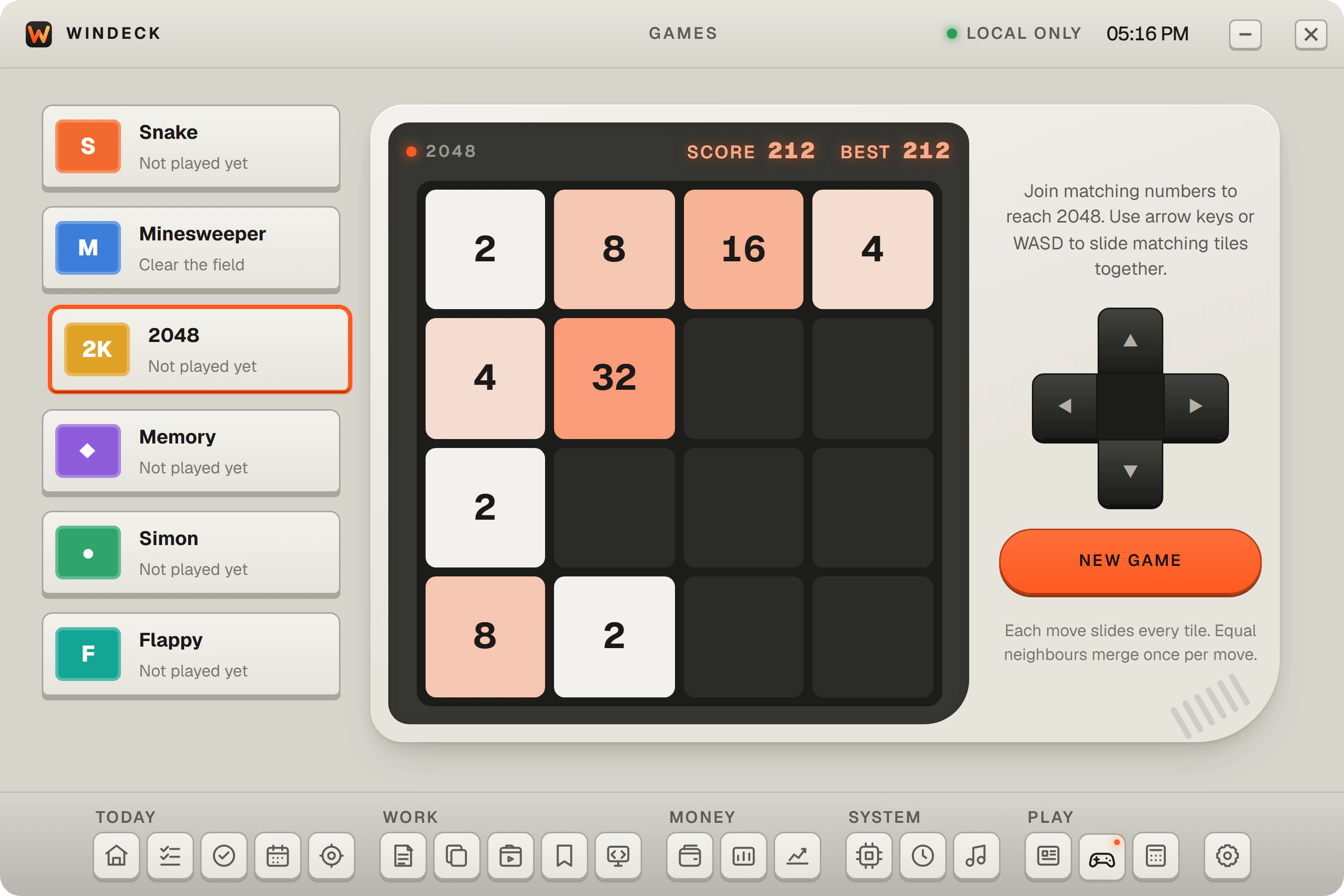
Six quick games for a break: Snake, Minesweeper, 2048, Memory, Simon, and Flappy.
A closer look
Built around control
Settings let you choose whether WinDeck starts with Windows, keeps running in the tray, and tracks screen time. Online features such as News, Markets, Sales, and Dev Hub connect only while you use them, on their page or on Home, and Sales and Dev Hub use keys you add yourself.